
After reading John’s post about “An Inconvenient Truth”, I decided I should give it a viewing. I did this mostly for professional reasons. I’m at a point in two of the courses I teach where we will be focusing on PowerPoint. I wanted to see how the Oscar winning presentation looked.
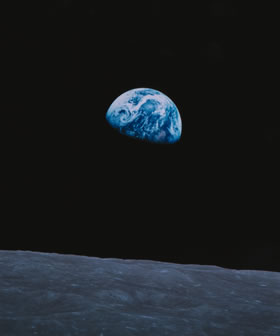 The first thing I noticed – no bullet points. It wasn’t that he chopped the bullets off the beginning of his lists. He had almost no lists of the type that would normally have bulleted items. Most of his lists were charted on graphs showing different trends. When he did have a list, it was usually something big, like the number of countries that have signed the Kyoto Treaty. These lists were long and the font size was intentionally almost too small to read. It was as if the text was being treated like a graphic showing the magnitude of the data.
When there was text on the screen, it was usually a label for a graphic. The few times quotes were used, each word of the quote was “typed” onto the screen slightly faster than he read the words. That was the one part of the presentation that could have been done better.
At times the camera panned the picture on the screen. I think the camera was panning. I don’t know if he was doing a “zoom” effect. The edges of the screen were not always in view, so I couldn’t tell how the image was moving.
The black background was interesting. When a few words in white were on the vast sea of darkness, it really stood out. I have thought of doing presentations this way. It reminded me of the Lessig style I talked about a couple of weeks ago.
There were some things that were out of place. I’m not sure why he did the whole “hanging chad” bit. It had no place in this film. Also, are we expected to believe that the clips showing him working on the presentation were real? He didn’t even have a mouse. Those animations were done by high-dollar animators that used a lot more than a track pad.
2 Responses to No Magic Bullet