
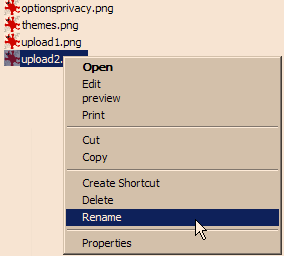
 The next time you need to rename a file, don’t use the Right-Click-Rename option. Instead, press the F2 button. This will put you right into edit mode and any typing will change the name of the file.
The next time you need to rename a file, don’t use the Right-Click-Rename option. Instead, press the F2 button. This will put you right into edit mode and any typing will change the name of the file.
No TSPY listed on this one, but it’s going to save me LOADS of time. It is annoying that I never knew this!!!