
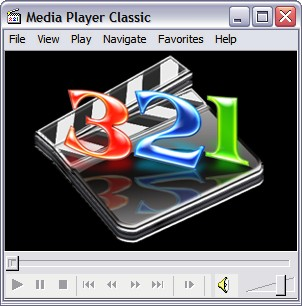
The media player that comes with Windows is big, slow and difficult to manipulate. Don’t use it. There is a much better player that looks a lot like the old media player built into Windows. It’s called Media Player Classic.
Here are two shortcuts (and there are many others) built into MPC that make it worth the switch.
1 – To pause press the space bar. Press the space bar again to start the media.
2 – To adjust the volume up, press the up arrow. To adjust it down, press the down arrow.
If you want different shortcuts, all are configurable in MPC. In XP/Vista’s Media Player, nothing is configurable. If you don’t like pressing Ctrl-P to pause, you are out of luck.
MPC’s interface is simple, leaving all the valuable screen space for your media. You’ll enjoy it much more.
TSPY=0.23
2 Responses to Efficiency Tip #94 – Classic Media Player