
My wife wanted a small portable computer for Christmas. She didn’t want something as big as a laptop. We looked at the netbooks, but none were small enough to fit in her purse. I thought the iPod Touch would be the perfect gift.
There was only one problem. My iPod Touch was hacked a year ago. Since then, the App Store came online and thousands of cool programs are available for everyone without the nerdiness required to jailbreak the device. After I played around with the new Touch, I decided to reset mine and purchase the $9.95 upgrade to get all the new stuff. What could I miss from the outdated jailbreak version I was using?
For the most part, it was a great choice. I have scores of apps that were not available before and I have only downloaded the freebies. Truth be told, most of the apps I have downloaded are games that I played a couple of times. There are some nice productivity tools. I have Evernote so I can type myself a message that updates a document on the web. I have Facebook, Tritter, Google Apps (read only mode), a Bible with dozens of translations, VNC, wireless network file sharing and more.
I did lose a few things and two of them I really miss. First and foremost (and almost a deal breaker) is Nemus Sync. This app sync’ed my Google Calendar with the iPod Calendar. It is bi-directional and there is nothing (not even a pay app) like it in the Apps Store. The second app is the full version of Wikipedia. You can buy a version for $8.00 but some of the reviews say the two gigabyte download doesn’t play well with iTunes or the synchronization process.
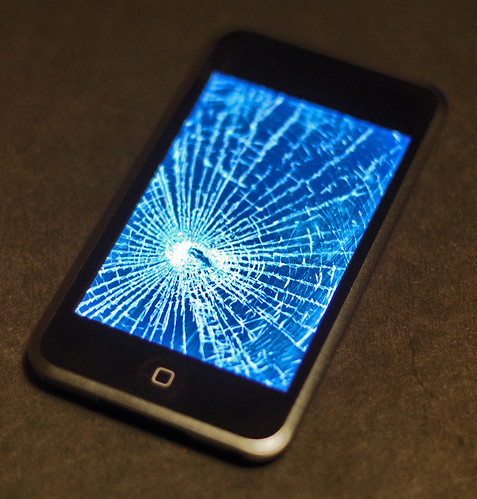
I also lost my Apache web server and wireless SSH server. Those had a certain coolness factor, but were handy at times. I also can’t get into the OS like I could before. I can’t find a screen capture utility which is why I had to use a picture from Flickr in this post.
Overall I’m glad I have the apps store. I really miss my Google Calendar sync, but maybe Nemus will add it to the Apps Store. They have other applications in there. I would certainly pay a few bucks for it.
9 Responses to Un-Jailbroken iPod Touch