
The default settings for Windows include an “animated screen character” or as I call it – the animated dog.
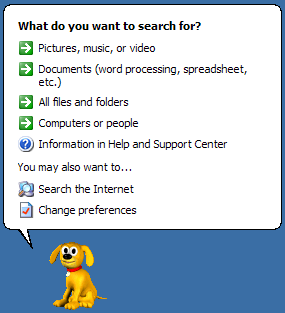
Each time you search for something, this friendly guy sloooooowly walks onto the screen and asks what you are looking for. The “cute” factor wears off after a search or two. The dog is not as annoying as the Office paperclip, but close.
You can click Change Preferences and turn off this animation. Your searches will start quicker. If you really want an online “friend” to play with, get a Webkinz.
TSPY=0.97
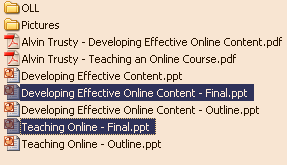 When you need to select several files from different parts of a list, use the Ctrl key when you click. Hold down on Ctrl and single-click the files you want to select. The Ctrl button will permit you to select non-consecutive files from a list.
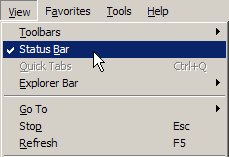 Point your mouse to this link –
 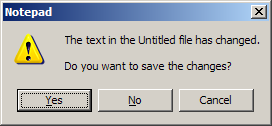 This tip dates back to the days of DOS programs. When faced with a dialog box where some of the options have letters that are underlined, use Alt-Letter to select that option. For the dialog box on the right, Alt-Y selected Yes and Alt-N selects No.
 Have you tried to double-click on something only to miss by just a little on the second click? Make sure you are holding the mouse properly. The picture on the right shows the wrong way to hold a computer mouse. Too much weight from the hand is on the mouse.